
Business
The records behind the business.
- Business permissions relevant to your work
- Company, plant and fleet insurance
- Transport permissions or accreditation where held
- Selected renewal and review records
DueSoon for earthmoving businesses
Machine servicing. Operator credentials. Fleet renewals. Keep the documents, dates and reminders your business relies on together.
For Australian plant owners and operators across excavation, site preparation and haulage.
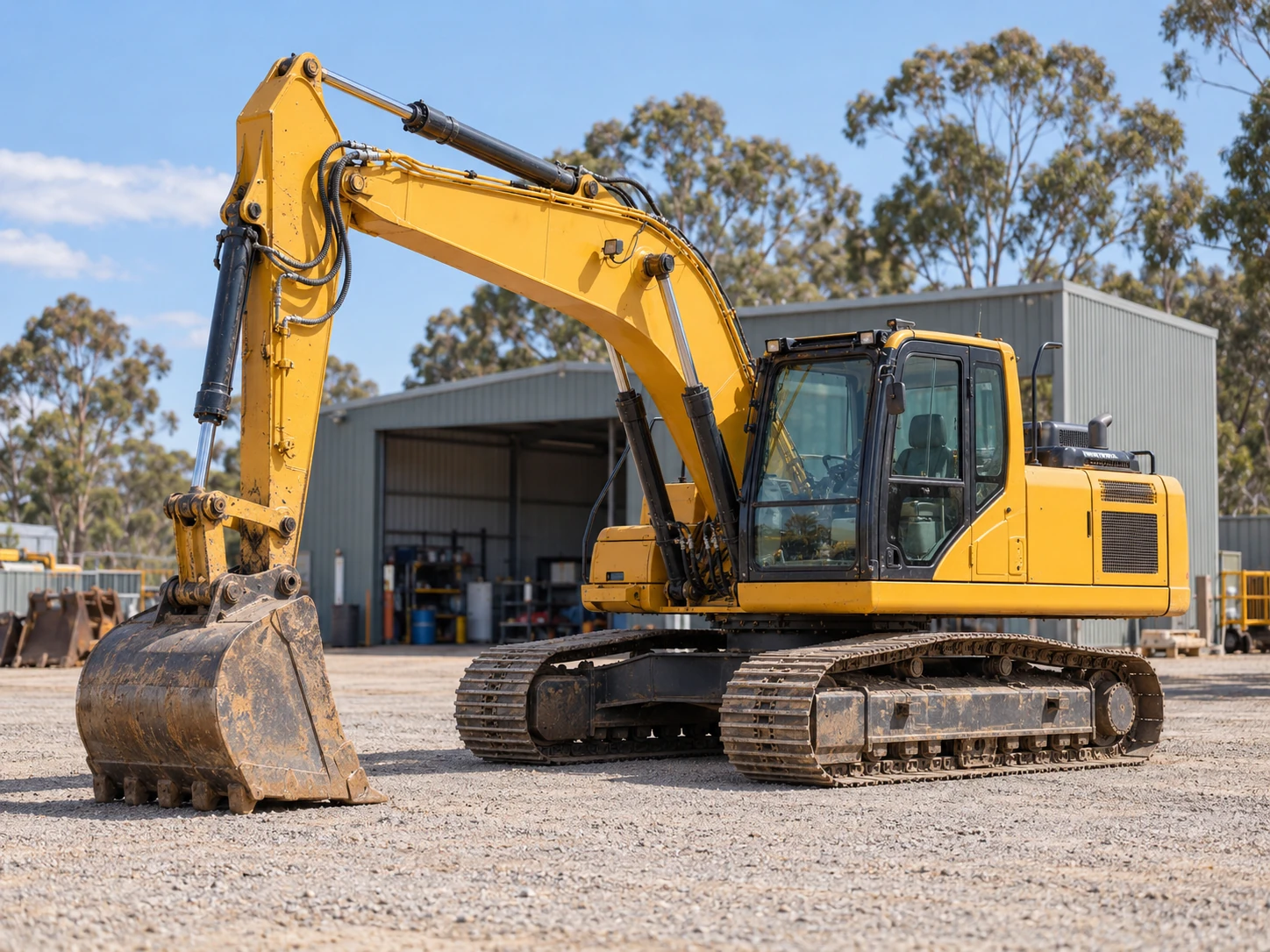
One business. Plenty to keep current.
An earthmoving business can have operator credentials, insurance, plant manuals, machine service invoices and road-fleet renewals spread across different folders and inboxes. DueSoon helps you organise your own business records, documents and selected dates.
What you can organise
Start with the records that matter to your team, then keep their evidence, dates and reminders connected.
The records behind the business.
The people doing the work.
The machines and vehicles you rely on.
Practical examples
Choose a work type to see a few examples. Your own list can be as focused as your business needs.
A mix of selected business, staff, plant and fleet records for Australian earthmoving businesses.
Business
Keep copies of business permissions, conditions or scheme documents that apply to the work actually undertaken, together with the named holder and issuing authority. Use the actual expiry or review date where one is shown.
Business
Keep policy schedules and certificates for the cover your business holds, including insured plant, vehicles, public liability or other relevant cover. Keep actual policy renewal dates with the cover records.
Staff
Keep the person's training or assessed competency evidence matched to the excavator, loader, roller or other plant they use. Retain a client-requested VOC where relevant. Keep completion or assessment dates and confirmed review dates where applicable.
Staff
Keep the licence class, issuing jurisdiction, holder details and evidence for high-risk work that the person actually performs. Use the expiry shown on the licence.
Staff
Keep construction induction evidence where relevant, with any site-specific induction documents your business chooses to retain. Use real issue, completion or site-review dates where they apply.
Staff
Keep evidence for training relevant to the person's role and actual work, such as first aid or client-required task training. Record actual completion dates and confirmed provider, regulator or employer review dates.
Staff
Keep licence details and the class relevant to the vehicle the person drives, separate from competency evidence for operating plant. Keep actual licence expiry dates and conditions with the driver record.
Business
Keep registration, conditional operating conditions and access or transport permissions that apply to a particular machine, vehicle or movement. Use the dates and validity conditions on the actual registration, permit or notice.
Fleet & Plant
Keep the machine identity, serial number, model, ownership evidence, service documents and manually entered hour readings with the excavator's record. Enter future service dates confirmed from the applicable manual or service provider.
Fleet & Plant
Keep each machine's model and serial details, service records, supporting photos and manually entered meter readings. Keep actual service completion dates and confirmed next dates relevant to that model and use.
Fleet & Plant
Keep machine identifiers, supporting manuals, service documents and manually entered hour readings for the dozers or graders your business owns. Use actual service records and confirmed future dates for the particular machine.
Fleet & Plant
Keep records for rollers, plate compactors or rammers, including identifiers, relevant servicing evidence and instruction documents. Use actual service dates and instructions relevant to that equipment.
Fleet & Plant
Keep attachment identifiers, compatibility documents and service or inspection evidence for the attachments your business owns. Keep actual inspection or service dates and model-specific next dates where confirmed.
Fleet & Plant
Keep the model and serial number with any calibration, repair or service evidence supplied for the instrument. Use the dates and any next-service recommendation on the applicable instrument document.
Fleet & Plant
Keep vehicle identity, registration notices, relevant insurance and service documents together for the vehicles your business operates. Keep actual registration and policy renewals alongside confirmed service dates.
Fleet & Plant
Keep trailer identity, registration, relevant transport conditions, ownership evidence and service documents alongside the plant used with it. Use actual registration expiry, permit validity and documented service dates.
Examples vary with your work, location, licences and equipment. Not every tool needs a recurring record: give priority to dates, servicing actions and evidence you actually need to manage.
Across Australia
Keep plant-specific competency evidence separate from any high-risk work licence class required for the actual task and jurisdiction. Match the records to the person, machine and work.
Registration, road-access permits and transport permissions depend on the vehicle or plant, its use and where it operates. Keep the actual conditions and dates for the records relevant to your fleet.
Training completion, a manually entered machine-hour reading and a service due date are different records. Use the figures and dates your business has confirmed, with supporting records attached.
Select a jurisdiction to open relevant official work and licensing information.
The gear behind the work
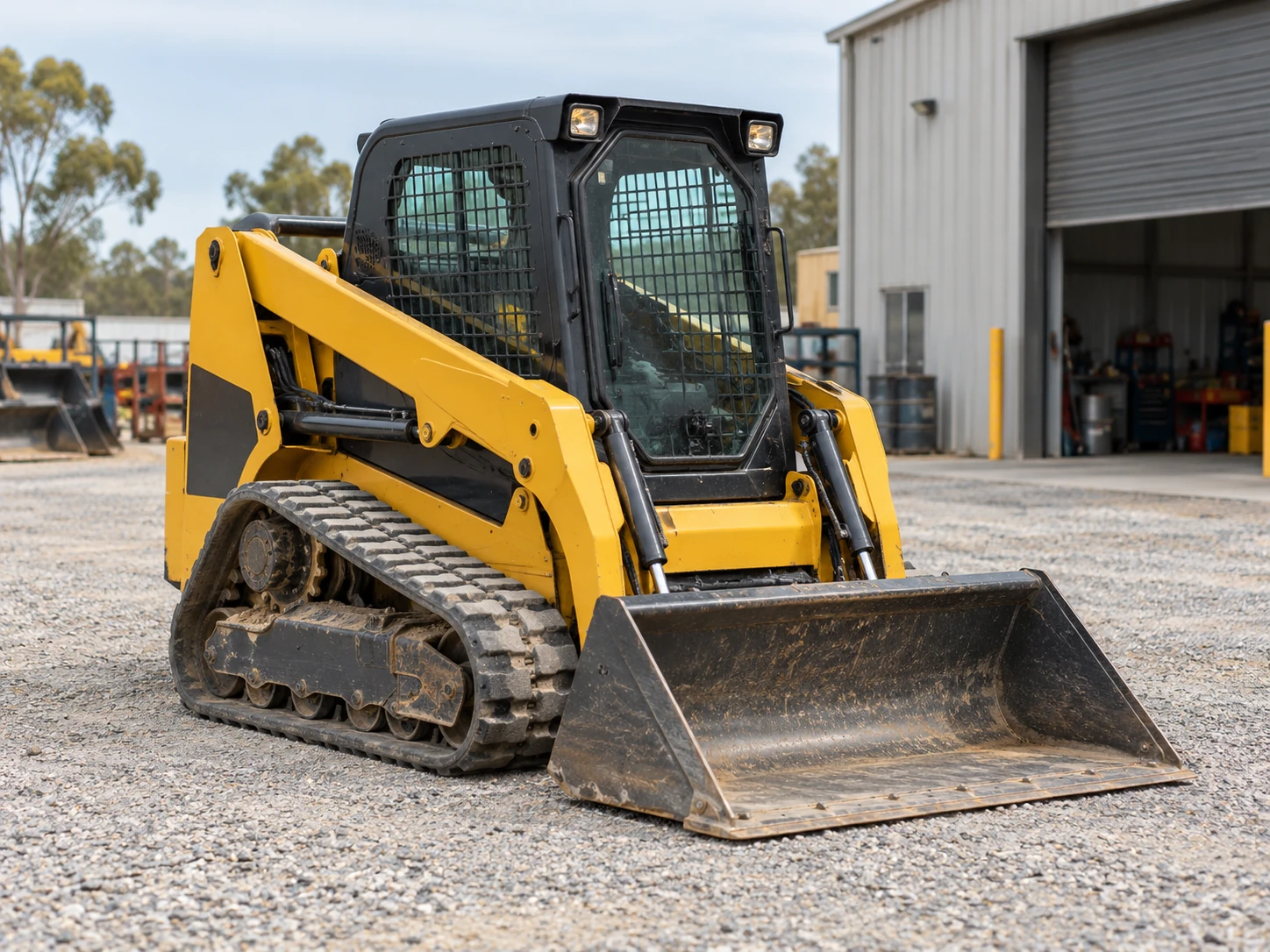
Keep selected compact track loaders and skid-steer machines identifiable, with manuals, service evidence and readings your team records.
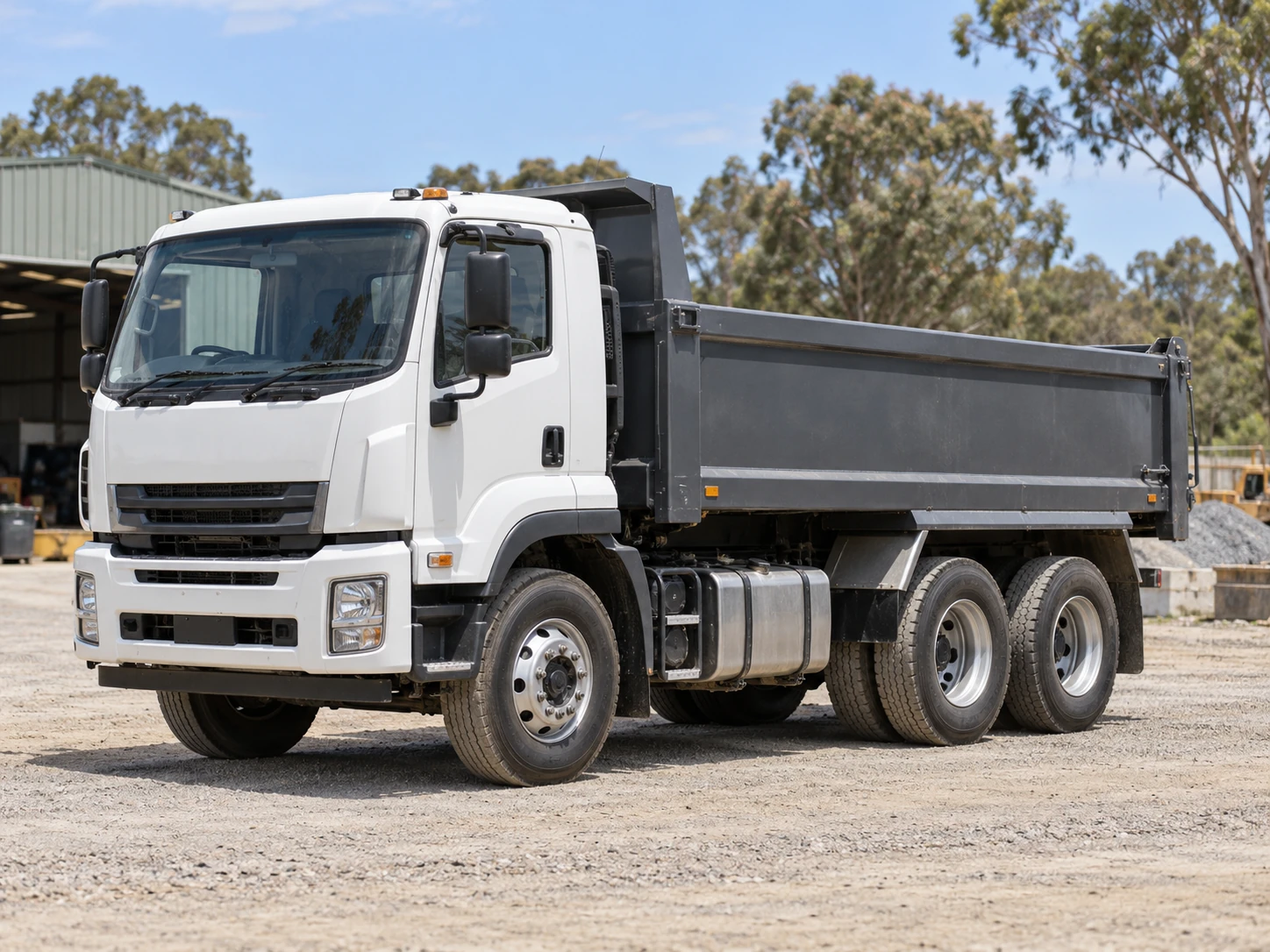
Bring selected truck and trailer identification, road documents, insurance and confirmed service dates together for the work your fleet undertakes.
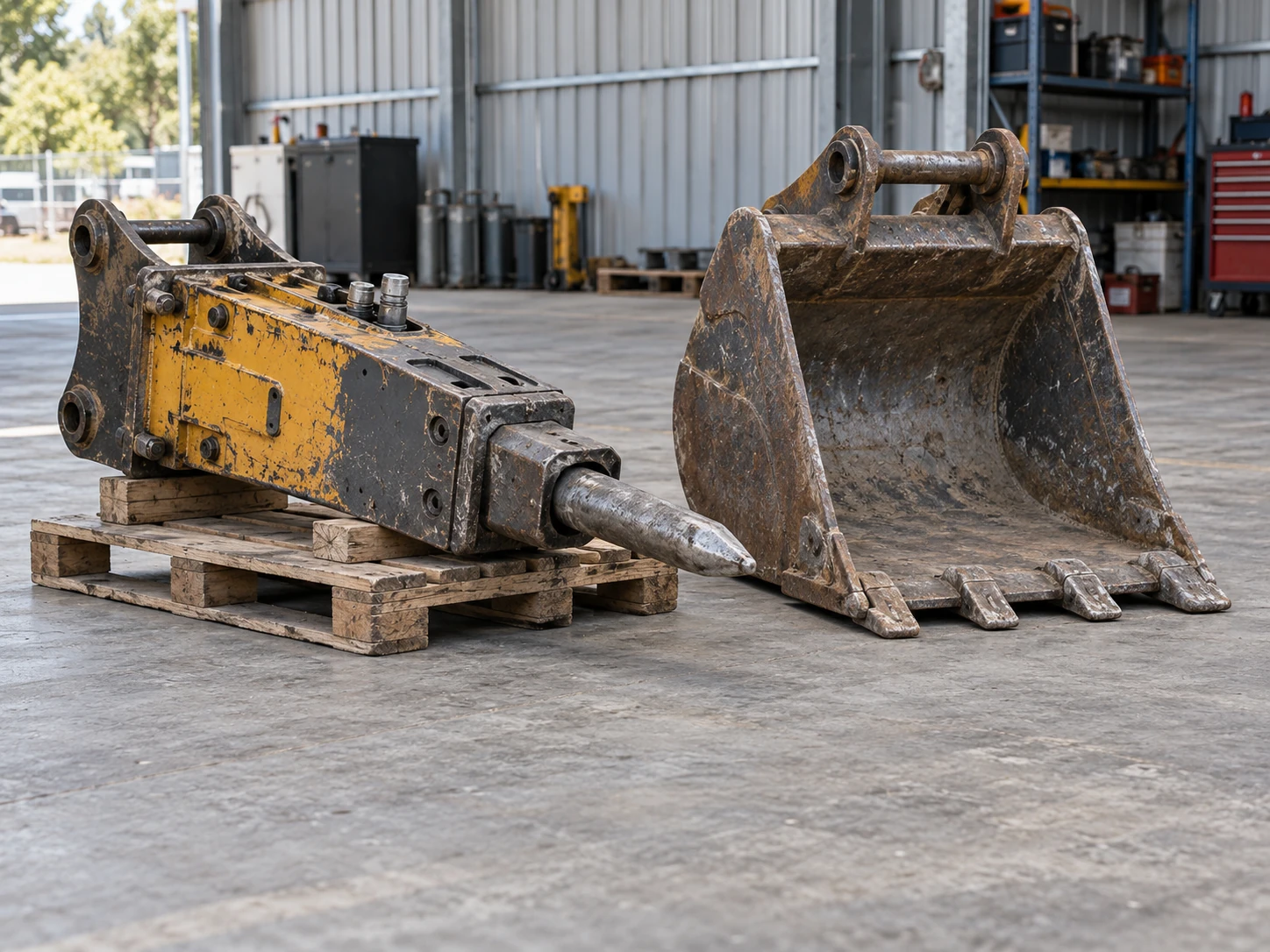
Keep buckets, breakers and other selected attachments identifiable, with manuals, ownership documents and relevant service or inspection evidence.
A clearer routine
DueSoon brings together your selected Business, Staff and Fleet & Plant records, supporting documents, entered due dates and reminder information.
Keep the make, model and serial number with asset photos, purchase invoices and warranty documents for your selected plant, attachments, tools and other business assets.
If a tool or asset is stolen, those identifying details can help you describe it to police and provide evidence of ownership.
Identify exactly what you are keeping track of.
Attach the relevant document and enter the date you have confirmed.
See what is current, due soon or overdue, and keep the record updated.
Keep exploring
DueSoon Trade
Join early access to hear more about DueSoon Trade.
Join Early Access